Aesthetic Desktop Organization: Curating a Calm Digital Workspace
Transforming your digital habits into a slow, grounded routine does not require deleting everything you own. In 2026, the design trend is shifting toward soft tech and mindful digital organization. By curating your screen with intention, you create a focused zone for peace before the workday even begins.
Does opening your laptop instantly elevate your stress levels? We have all been there, staring at a chaotic desktop covered in random screenshots and untitled folders. A true sanctuary is not just about your physical environment; it extends into your digital life.
The Myth of the Messy Desktop
Most productivity advice feels rigid, forcing you into complex file systems that drain your creative energy. We believe your digital approach should feel like a calming ritual, much like organizing a beautiful physical desk. When you give your digital files a designated home, you instantly lower your daily cognitive load.
It is entirely possible to curate a highly efficient laptop while still maintaining a beautiful, minimalist aesthetic. The secret lies in using visual boundaries that do the heavy lifting for your brain. You do not need to be a ruthless minimalist to master this; you simply need intentional categorization.
Defining Your Workflow Layout
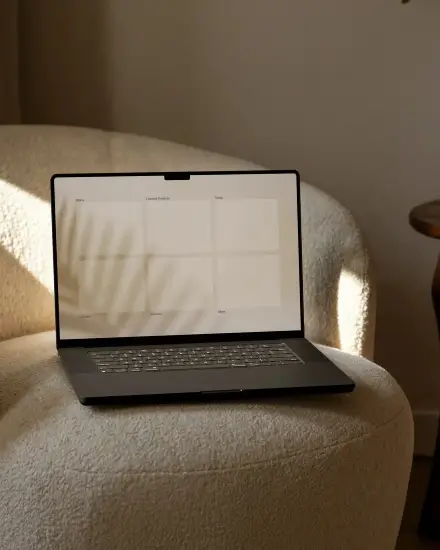
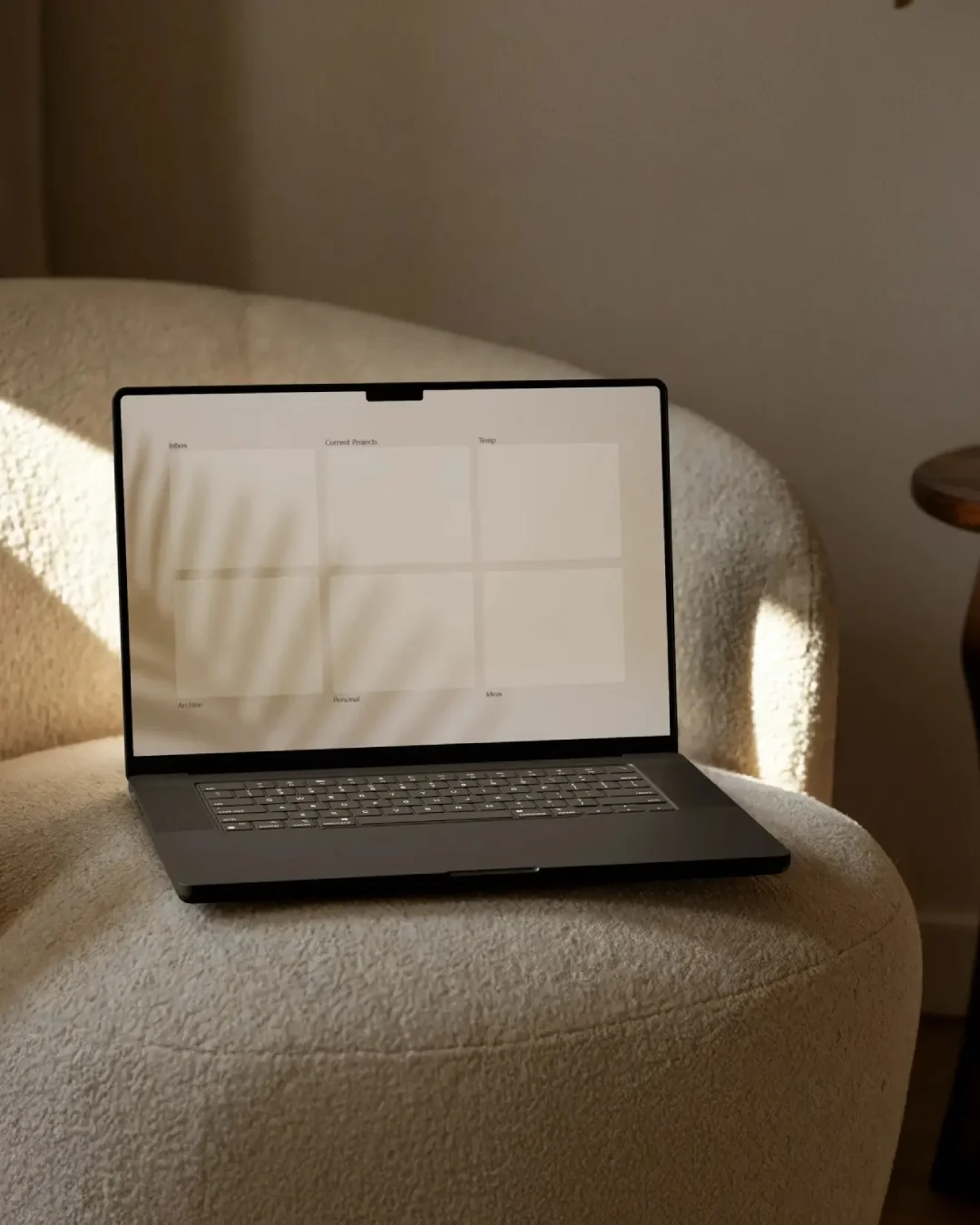
The most elevated way to manage your screen is to divide your desktop into specific, manageable zones. This ensures every screenshot, project, and document has a deliberate place. Start by categorizing your active files into clear sections like temporary storage, current projects, and long-term archives.
Let your daily routine dictate how your screen is structured. If your day requires intense concentration, rely on a minimal or focus-driven layout that hides distractions. If you are a visual thinker, a creative or balanced layout provides designated space for inspiration and new ideas.
Curating the Quiet Luxury Screen
Knowing how to organize is only half the journey; the true luxury is looking at something beautiful all day. You should not have to stare at harsh neon folders or blinding blue light. Your tech aesthetic should be as visually pleasing and seamless as the rest of your curated home.
We recommend grounding your digital space with warm, organic color palettes like oatmeal, deep charcoal, and soft sage. Swap out generic blue system folders for custom, minimalist icons that match your background. This subtle shift in color psychology makes your laptop feel like a sophisticated, sunlit studio.
The Digital System Aesthetic
Achieving this elevated tech look should not require hours of graphic design work. You need high-quality templates that feel fluid, adaptable, and immediately calming to the eye. We designed a complete solution to bring that quiet, intentional energy directly to your screen in minutes.
Our system includes four distinct architectural layouts—balanced, focus, creative, and minimal—to match your specific daily workflow. It features beautifully muted tones and comes with fifteen custom icons in both light and dark modes. Make peace with your digital clutter and let the visual system do the organizing for you.